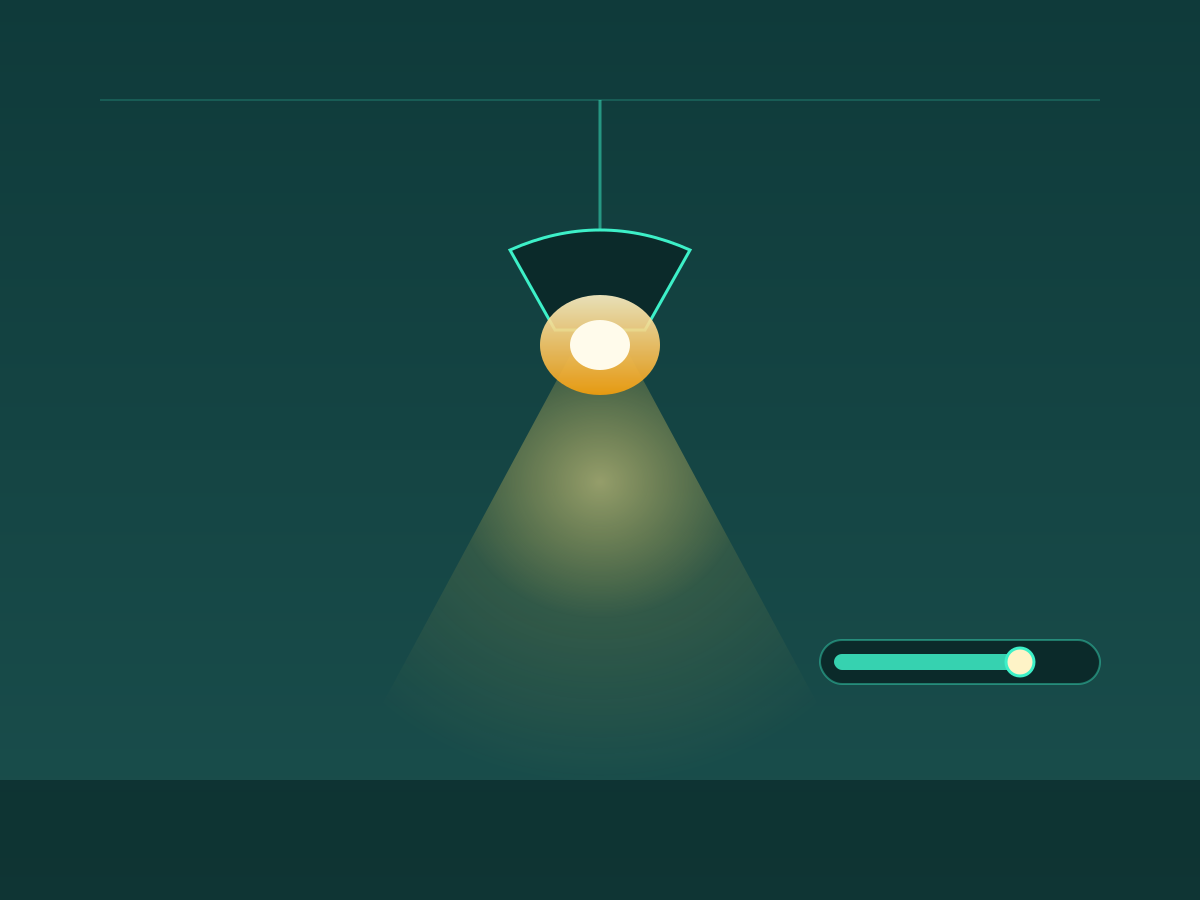
Adjust brightness
Fine-grained dimming for the integrated LED — from a soft night-light glow to full daylight.

Pair, dim, time and tune any compatible Bluetooth ceiling fan light — straight from your phone, in under 5 seconds.
Read the 5-second pairing guide ↓


Six controls that replace your physical remote and wall switch.
Fine-grained dimming for the integrated LED — from a soft night-light glow to full daylight.
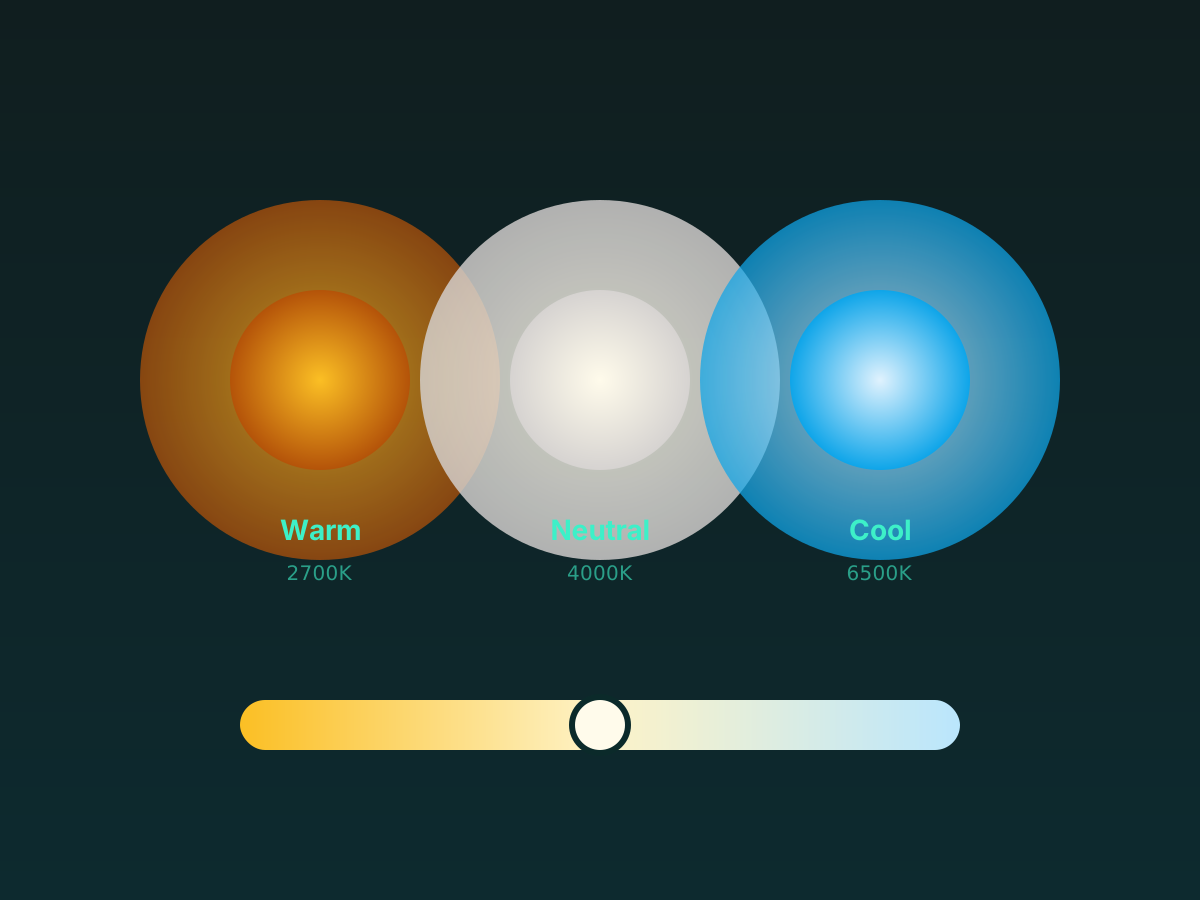
Warm, neutral or cool white in one tap. On 3-CCT fixtures the change is instant.
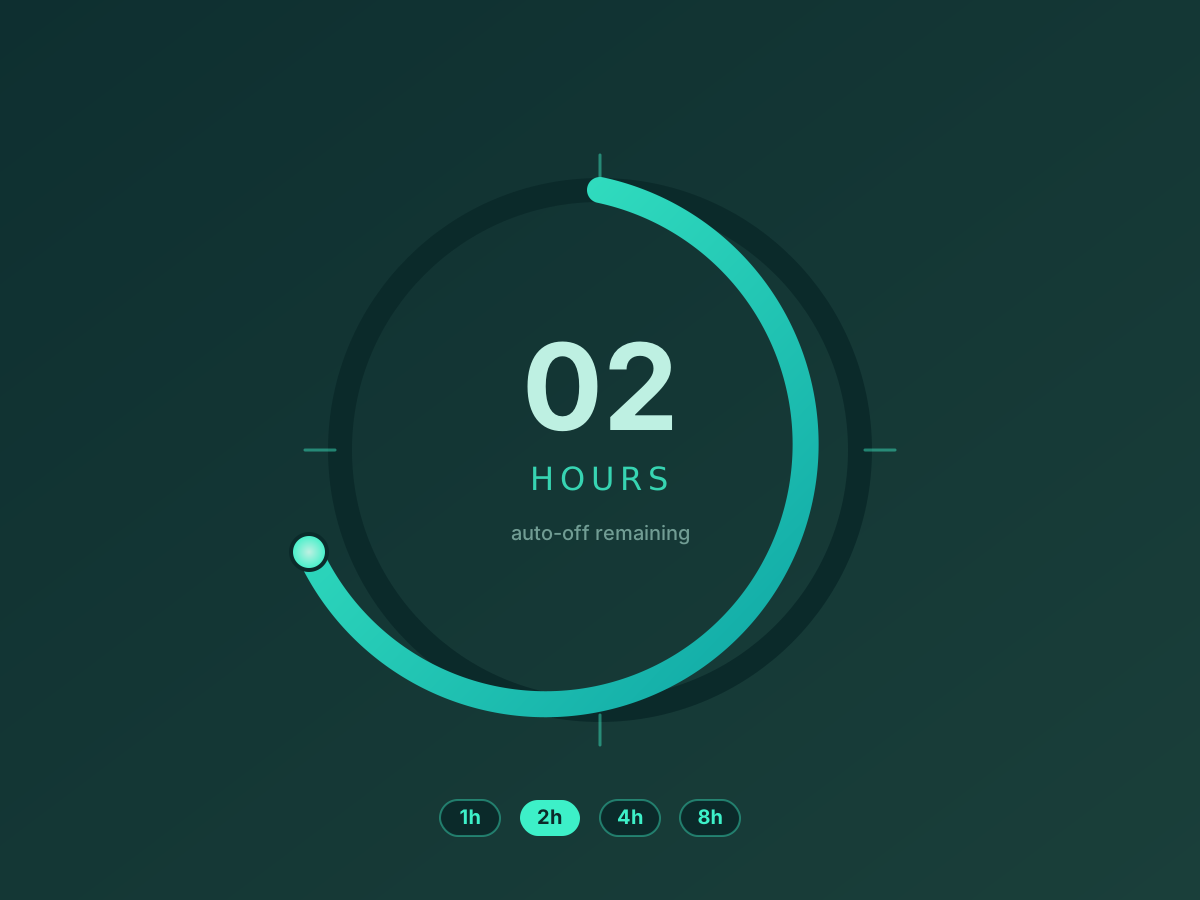
Schedule auto-off in 1, 2, 4 or 8 hours so the fan or light never stays on overnight.
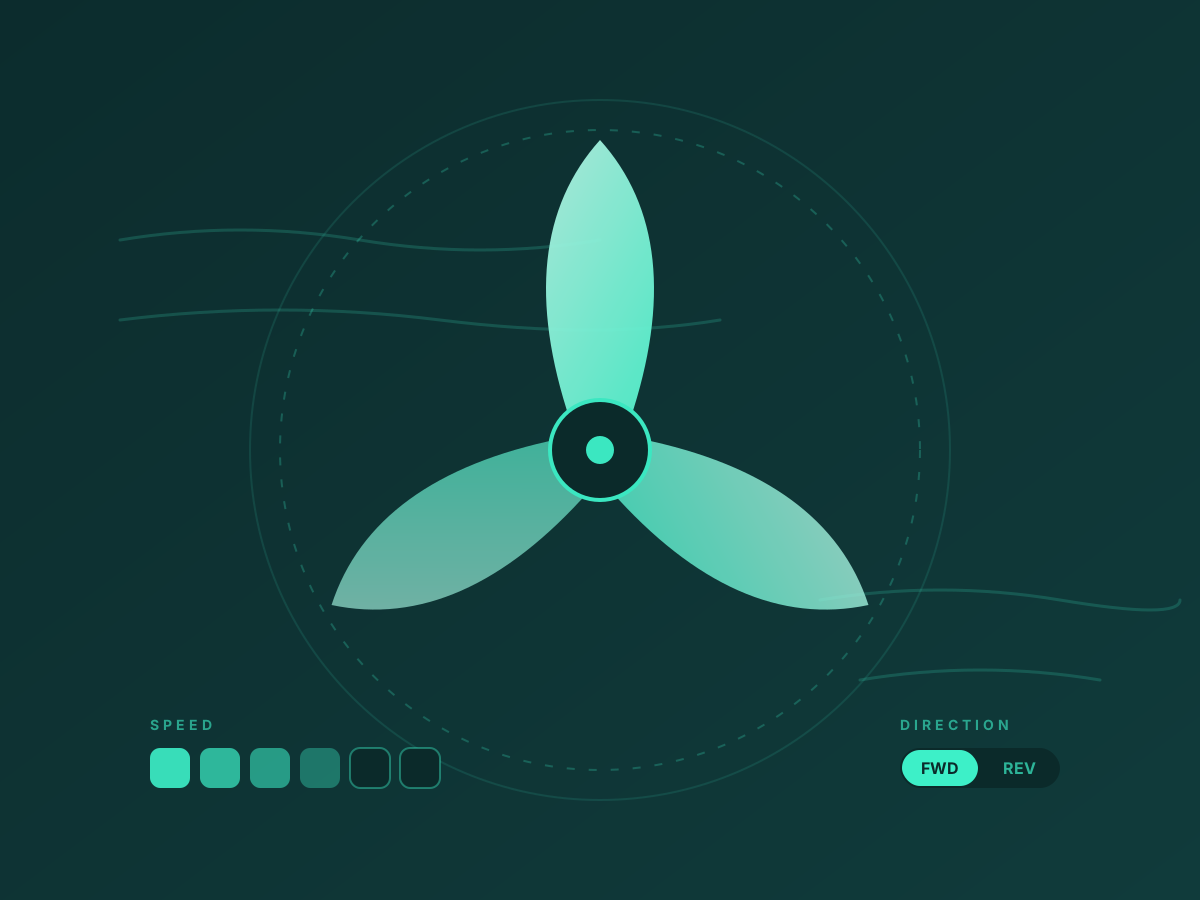
Six fan speeds, forward / reverse direction, and a natural-wind mode that mimics a breeze.
Add multiple fan-lights, name each one, and manage them together by room.
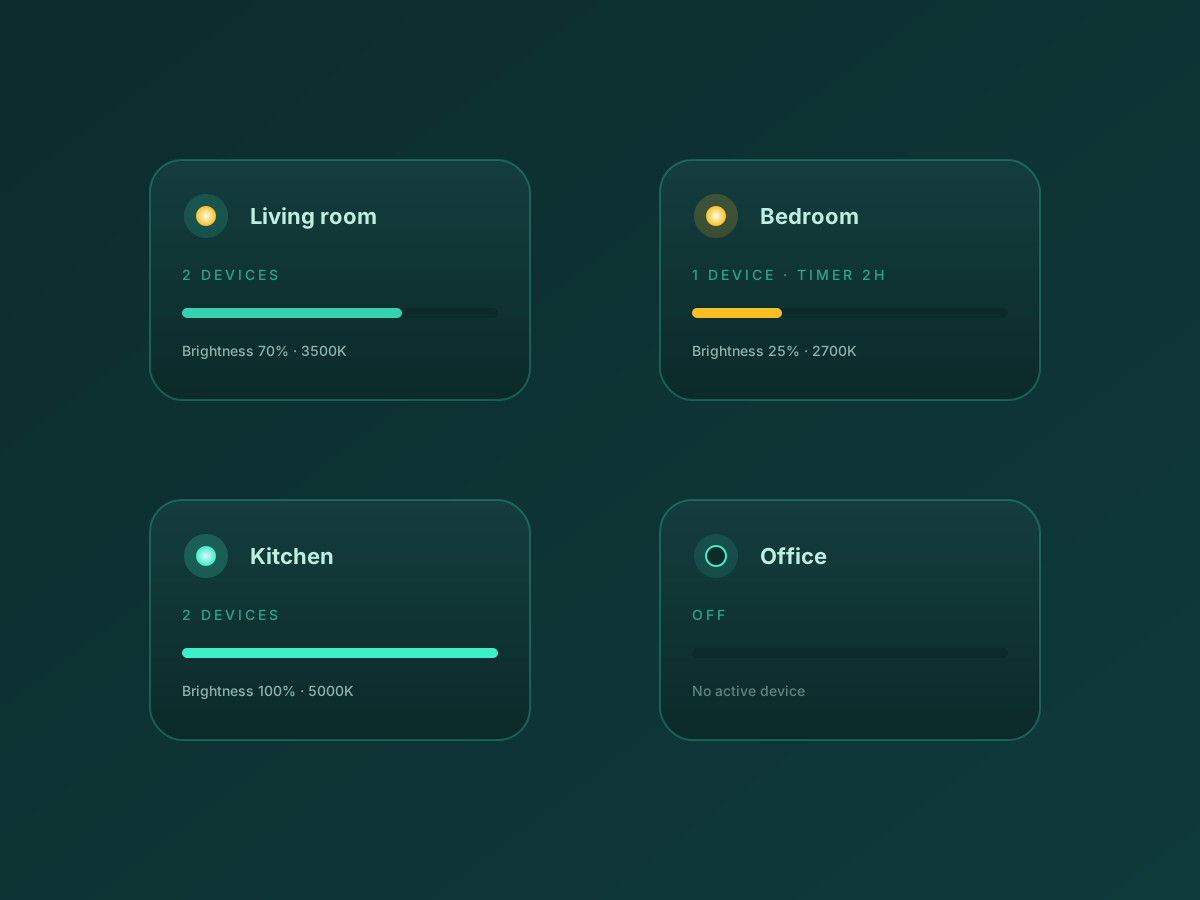
On RGB-capable fixtures: color presets, music sync and a low-glare night-light mode.

Features marked with ★ depend on the fixture hardware and may not be available on every device.
Real screenshots from the iOS App Store listing.
The single most-searched FanLamp Pro question, answered.
Turn Bluetooth on, then open FanLamp Pro and grant the Bluetooth and Location permissions when prompted.
Flip the fan's wall switch off, wait 10 seconds, then flip it back on. The fan must be freshly powered.
In the app, tap the + Add Device button within 5 seconds of powering the fan on. Miss the window and the fan will not be discoverable.
The fan light should blink twice to confirm pairing succeeded. If it doesn't, repeat from step 2 — most failures come from missing the 5-second window.
Give the device a name (e.g. "Bedroom Fan"), assign it to a room, and you're done. The device is now under your control.
What the stock FanLamp Pro app does and does not connect to.
iOS 12 +
SupportedAndroid
SupportedmacOS (Apple silicon)
SupportedPhysical remote
SupportedAmazon Alexa
Not supportedGoogle Home / Assistant
Not supportedApple HomeKit / Siri
Not supportedSamsung SmartThings
Not supportedHome Assistant
Community add-onTuya / Smart Life
Not supportedFanLamp Pro is the shared control app for many ceiling fan light brands. If your fan ships with a QR code pointing to the FanLamp Pro app, it works here.
Kviflon · Surtime · Sunvie · ANTOINE · Home Depot OEM lines · and many more
Step-by-step guides for every common situation.
The 5-second pairing window explained, plus what to do if your fan refuses to be discovered.
Adjust the integrated LED, switch between warm, neutral and cool white, and save your favorite preset.
Schedule the fan or light to turn off after 1, 2, 4 or 8 hours so nothing runs overnight.
Cycle through the six speeds, reverse the blades for winter, and try natural-wind mode.
Group multiple fan-lights into rooms and control them as one.
Bluetooth not connecting, lights stuck, sync drift after a wall-switch flip — fix it here.
Where Alexa, Google Home, HomeKit and Home Assistant stand with FanLamp Pro today.
Wiring, downrod, hanger ball — the universal install steps that apply across compatible OEM fixtures.
Paraphrased from public App Store and Google Play reviews. We mix the good and the not-so-good — see the FAQ for fixes to the common complaints.
Used this app for 3 fans I purchased from Amazon — followed the instructions and all three connected on the first try. Activating fans, light and fan settings is easy. Highly recommend.
Dorian L.
App Store · 5★
I dreaded pairing this for two years. When I finally did, the worry was for nothing — the app is so simple and elegant. All controls work; nothing is confusing.
Kat D.
App Store · 5★
Open the app and have the fan up. Flip off the wall light switch, then within 5 seconds tap the Bluetooth connect button — the fan flickers, and it pairs. So far working great.
Jason S.
App Store · 5★
Followed the pairing instructions and added two fans — everything works fine. The app actually has more features than my fans expose. Now the remotes can stay in a drawer.
Fidelis T.
App Store · 4★
Great fan and the app works great. Highly recommended. Don’t listen to negative reviews from people that clearly didn’t read the instructions — the app works fine.
Anthony D.
App Store · 5★
I really don’t get the negative reviews. I installed this on my phone and my wife’s — all functions work on both. Seriously, just read the instructions.
JB
App Store · 5★
Used this app for 3 fans I purchased from Amazon — followed the instructions and all three connected on the first try. Activating fans, light and fan settings is easy. Highly recommend.
Dorian L.
App Store · 5★
I dreaded pairing this for two years. When I finally did, the worry was for nothing — the app is so simple and elegant. All controls work; nothing is confusing.
Kat D.
App Store · 5★
Open the app and have the fan up. Flip off the wall light switch, then within 5 seconds tap the Bluetooth connect button — the fan flickers, and it pairs. So far working great.
Jason S.
App Store · 5★
Followed the pairing instructions and added two fans — everything works fine. The app actually has more features than my fans expose. Now the remotes can stay in a drawer.
Fidelis T.
App Store · 4★
Great fan and the app works great. Highly recommended. Don’t listen to negative reviews from people that clearly didn’t read the instructions — the app works fine.
Anthony D.
App Store · 5★
I really don’t get the negative reviews. I installed this on my phone and my wife’s — all functions work on both. Seriously, just read the instructions.
JB
App Store · 5★
I spent a long time trying to connect — I was turning the fan off at the remote instead of the wall switch. Once I turned it on at the switch, it paired in 3 seconds. Works great.
Roxy S.
App Store · 5★
Connected seamlessly and controls the fan effectively. Just follow the steps in the user guide.
Née N.
App Store · 5★
Took a few tries. Make sure Bluetooth and Location are on, shut power at the wall, then turn the fan back on and press connect. May need more than one try, but it works.
Captain Janeway
App Store · 4★
I’ve been using this for a while — it’s functional, does what it should, and doesn’t have ads everywhere. Truly a rare combination these days.
Louis C.
App Store · 4★
It works better than any fan I’ve had. Honestly surprised by how smooth it feels.
Excited D.
App Store · 5★
My remote’s battery leaked and ruined it. This app rescued me — light, fan speed, on/off, all from my phone.
BoxxKat
App Store · 5★
I spent a long time trying to connect — I was turning the fan off at the remote instead of the wall switch. Once I turned it on at the switch, it paired in 3 seconds. Works great.
Roxy S.
App Store · 5★
Connected seamlessly and controls the fan effectively. Just follow the steps in the user guide.
Née N.
App Store · 5★
Took a few tries. Make sure Bluetooth and Location are on, shut power at the wall, then turn the fan back on and press connect. May need more than one try, but it works.
Captain Janeway
App Store · 4★
I’ve been using this for a while — it’s functional, does what it should, and doesn’t have ads everywhere. Truly a rare combination these days.
Louis C.
App Store · 4★
It works better than any fan I’ve had. Honestly surprised by how smooth it feels.
Excited D.
App Store · 5★
My remote’s battery leaked and ruined it. This app rescued me — light, fan speed, on/off, all from my phone.
BoxxKat
App Store · 5★
Direct answers to the questions people search the most.
Free on both stores. No account, no ads, no in-app purchases.
App Store
Google Play